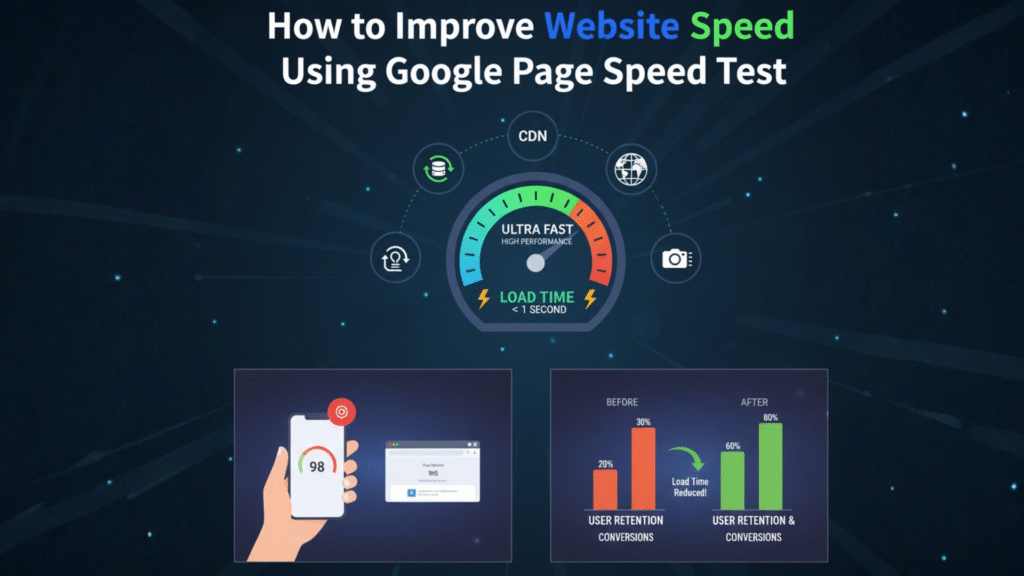
Introduction: Why Website Speed Matters
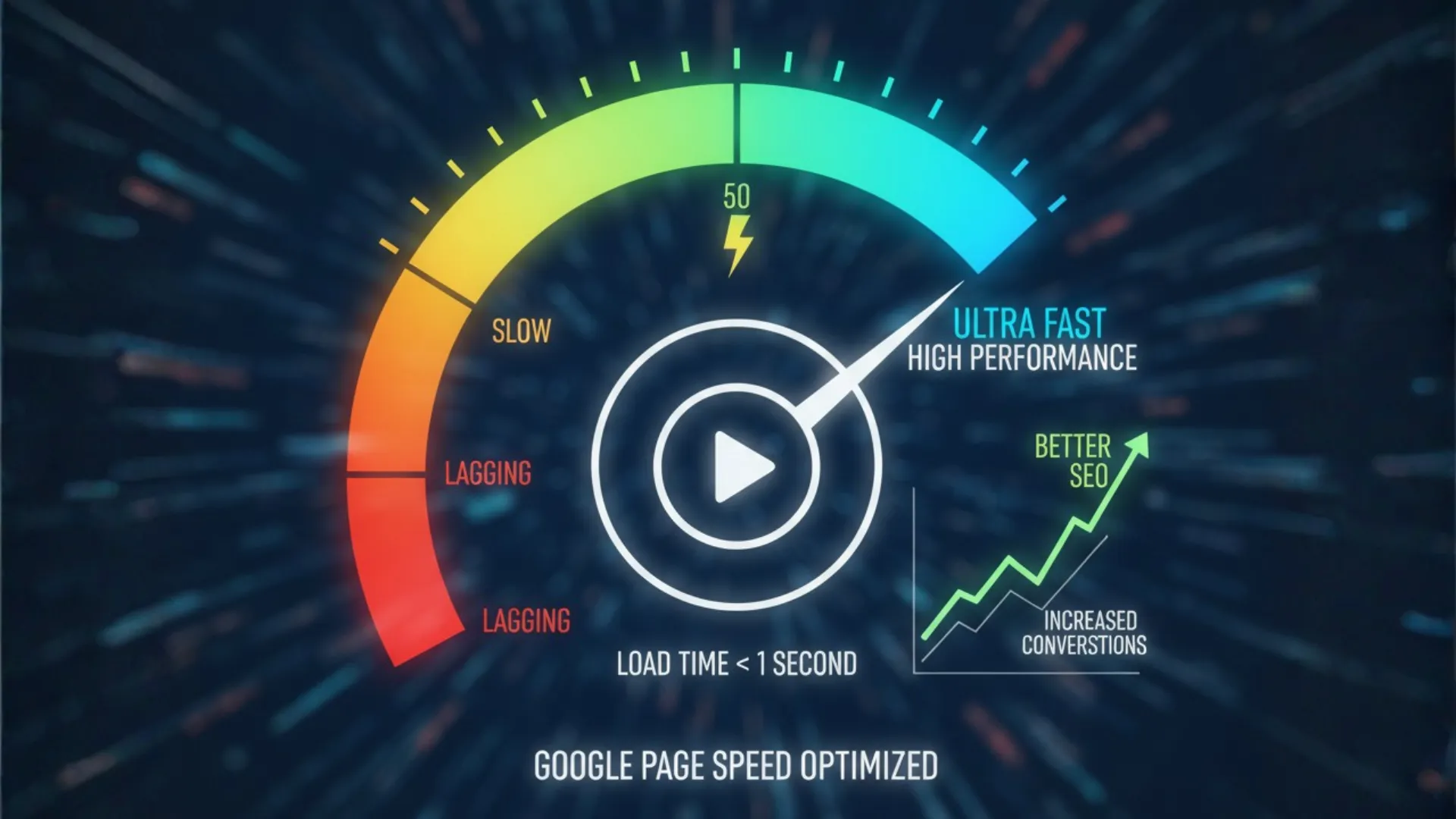
In today’s digital age, users expect instant results. Whether they’re searching for a product, a blog post, or a portfolio nobody wants to wait for a slow-loading page. Website speed
Studies show that 47% of users expect a website to load in under 2 seconds, and 53% of mobile users abandon a site if it takes longer than 3 seconds.
That’s why improving your website speed is no longer optional — it’s essential.
A fast website helps with SEO rankings, boosts user experience, and increases conversions. The best part? You can test and improve your speed easily using the Google Page Speed Test.
What Is Website Speed and Why It Matter
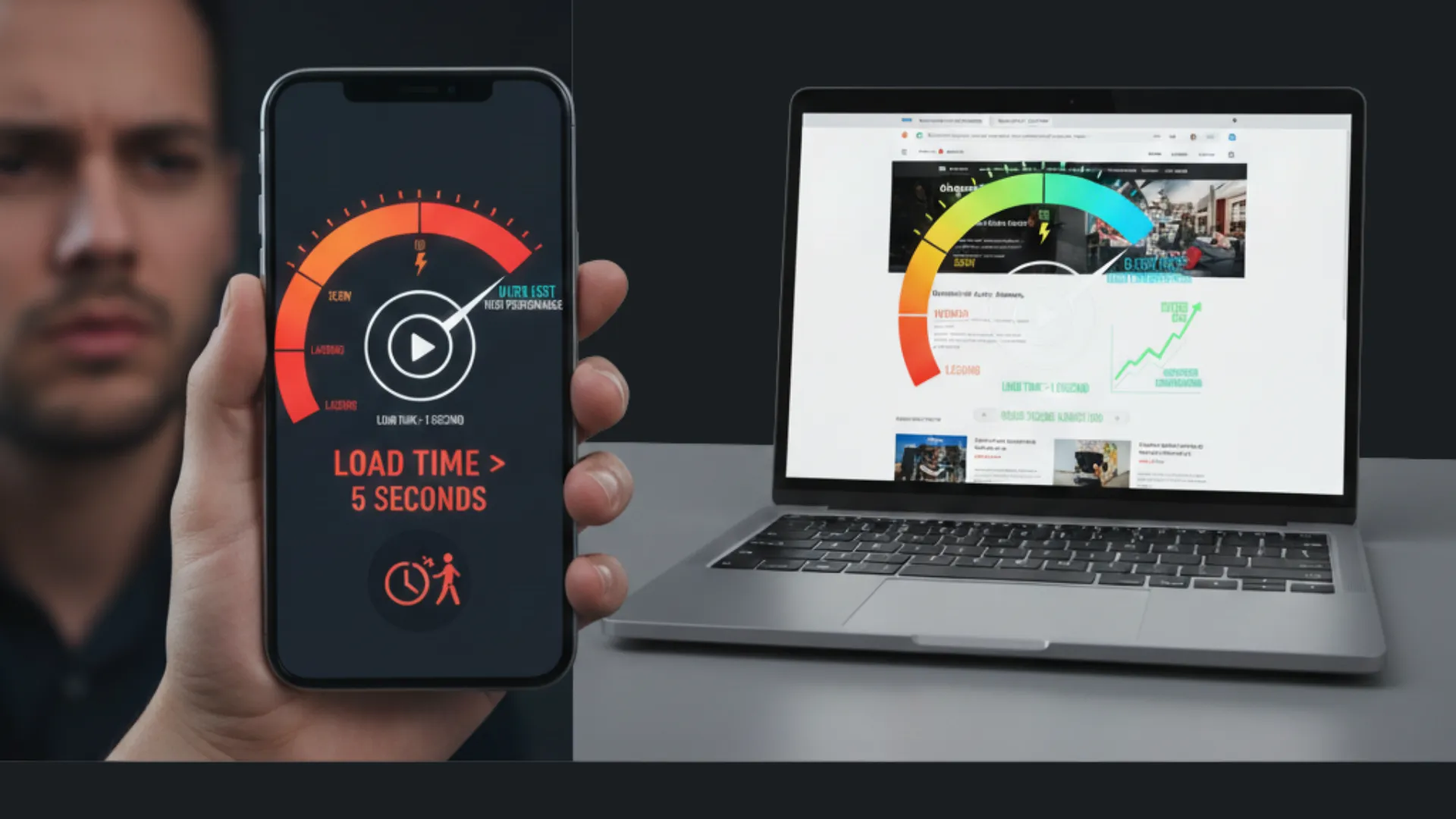
Website speed refers to how quickly your web pages load and display content when a user visits them. It’s one of the most important factors in both user experience and Google ranking.
Here’s why it matters:
 First Impression: Visitors judge your brand by how quickly your site loads.
 First Impression: Visitors judge your brand by how quickly your site loads.
- Conversions: Even a 1-second delay can reduce conversion rates by 7%.
 Conversions: Even a 1-second delay can reduce conversion rates by 7%.
- SEO Ranking: Google officially considers page speed as a ranking factor.
 SEO Ranking: Google officially considers page speed as a ranking factor.
- Mobile Experience: Slow sites perform poorly on mobile devices, driving users away.
 Mobile Experience: Slow sites perform poorly on mobile devices, driving users away.
In short, a slow website not only frustrates your visitors but also hurts your business growth.
What Is Google Page Speed Test (PageSpeed Insights)?
 What Is Google Page Speed Test (PageSpeed Insights)?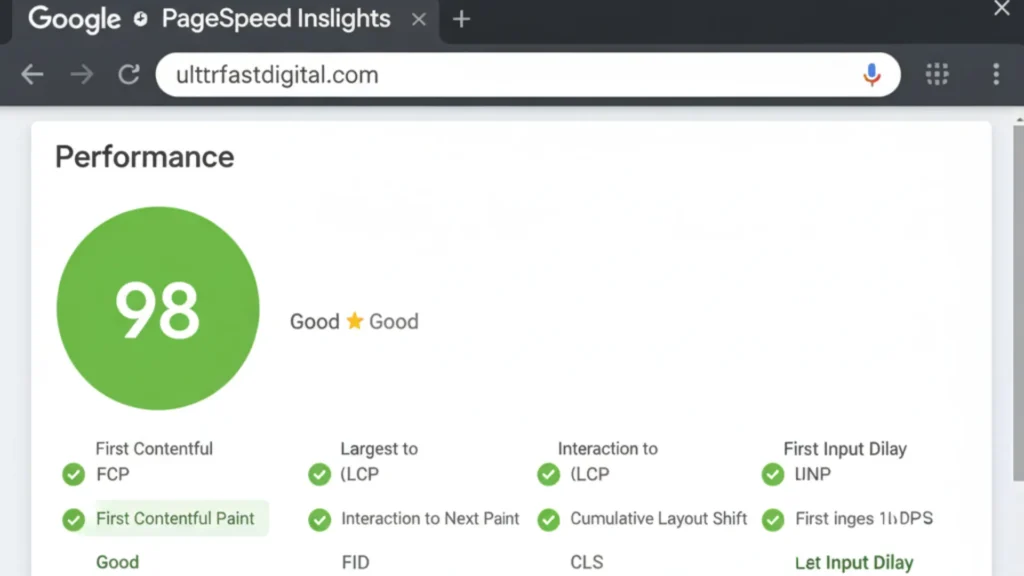
The Google Page Speed Test, officially known as Google PageSpeed Insights, is a free tool that measures how quickly your website loads and how well it performs for real users.
You can use it here:  https://pagespeed.web.dev/
When you enter your website URL, it gives you:
- A performance score from 0 to 100
- Separate analysis for mobile and desktop
- Detailed improvement suggestions
- Core Web Vitals insights — like LCP, FID, and CLS
Here’s how scores are categorized:
- 90–100: Excellent
 90–100: Excellent
- 50–89: Needs improvement
 50–89: Needs improvement
- 0–49: Poor performance
 0–49: Poor performance
How to Improve Website Speed (Step-by-Step)
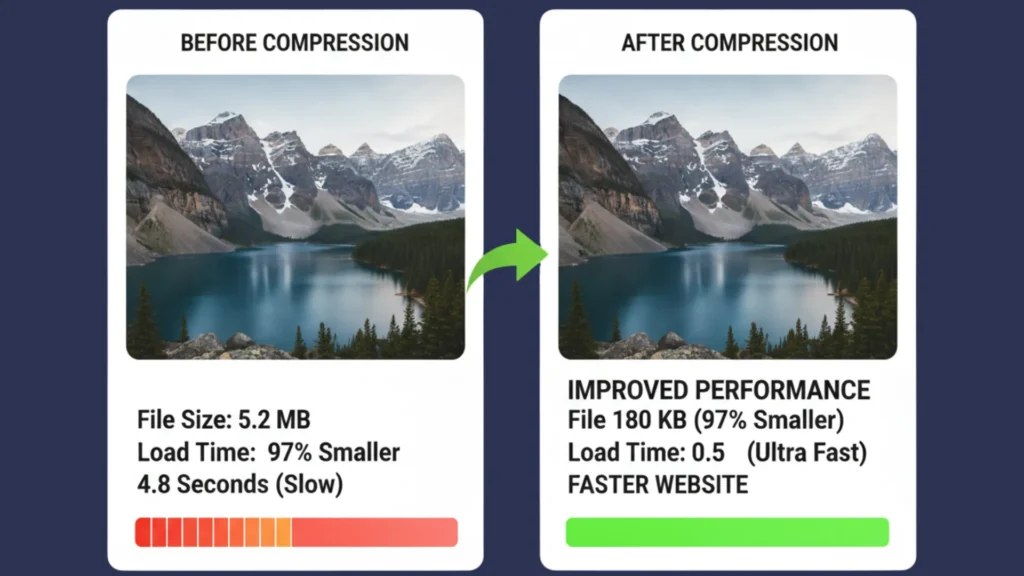
Now that you know where you stand, let’s improve your speed using proven, beginner-friendly methods.
1. Compress and Optimize Images
Images often take up 50–70% of your total page size. Reducing their size can dramatically speed up your site.
 Use free tools like TinyPNG, Compressor.io, or Squoosh Save images in WebP format for better compression Set image dimensions properly to prevent layout shifts
2. Use a Lightweight Theme
Heavy themes come with unnecessary features and large scripts that slow your site down. Choose minimal themes like Astra, GeneratePress, or Hello Elementor Disable unused features or widgets
A lightweight theme ensures your design stays beautiful while performance remains fast.
3. Enable Browser Caching
Caching allows browsers to store parts of your website, so when visitors return, it loads instantly. Use plugins like LiteSpeed Cache, WP Rocket, or W3 Total Cache Set long expiration times for static assets like images and CSS files
4. Minify CSS, JavaScript, and HTML
Unnecessary spaces, comments, and line breaks in your code slow down loading time. Use minification tools such as Autoptimize, Fast Velocity Minify, or WP Rocket Combine smaller CSS and JS files
This reduces the number of requests made to your server.
5. Use a Content Delivery Network (CDN)
A CDN delivers your website content from the nearest server to your user’s location. Popular CDNs: Cloudflare, Bunny.net, StackPath Benefits: Reduces latency, improves global load times, and prevents downtime
6. Optimize Your Web Hosting
Your hosting service plays a huge role in website speed. Choose hosting with SSD storage Go for LiteSpeed or NGINX servers Upgrade to VPS or cloud hosting if your traffic grows
Good hosting ensures stability and faster response time.
7. Enable Lazy Loading for Images and Videos
Lazy loading delays loading of images until the user scrolls near them. Use plugins like Lazy Load by WP Rocket or a3 Lazy Load Improves initial page load and saves bandwidth
8. Optimize Database Regularly
Over time, your database collects spam comments, revisions, and unnecessary data. Use tools like WP–Optimize or Advanced Database Cleaner Schedule automatic cleanups
This keeps your site fast and reduces server strain.
9. Reduce Redirects and Unused Plugins
Each redirect adds an extra step for your browser to load pages. Keep redirects to a minimum Delete unused plugins and themes
Clean code and minimal plugins = faster site.
10. Test Again Using Google Page Speed Test
After optimization, recheck your score on the Google Page Speed Test. Aim for a score above 85 on both mobile and desktop Focus on improving Core Web Vitals especially Largest Contentful Paint (LCP) and Cumulative Layout Shift (CLS)
Track your progress regularly for consistent performance.
Real Benefits of a Fast Website
 Real Benefits of a Fast Website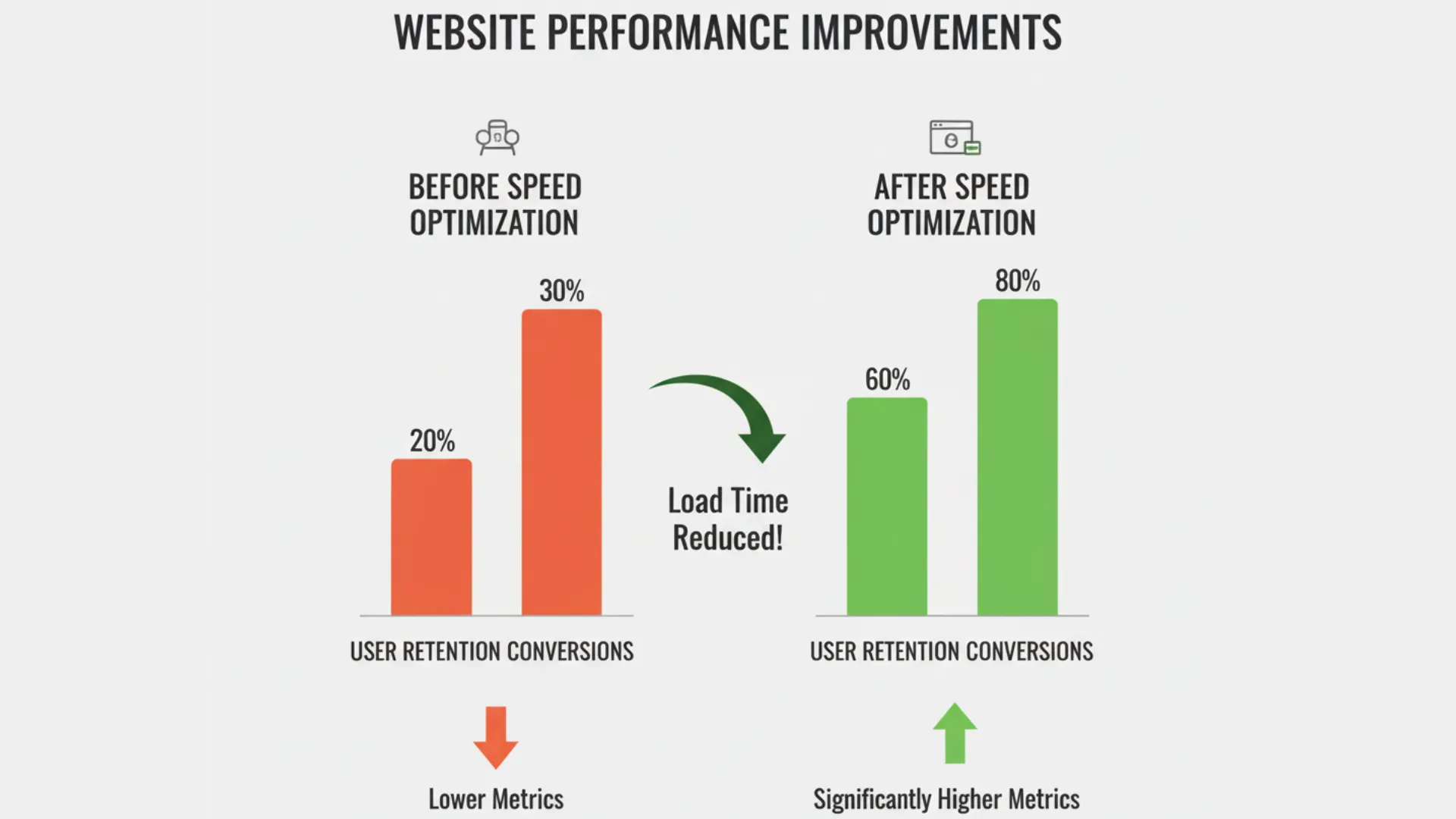
When your website loads quickly, the benefits are massive:
- Higher Google rankings
 Higher
 - Better user experience
 Better user experience
- Improved conversion rates
 Improved conversion rates
- Faster mobile browsing
- Reduced bounce rates
 Reduced bounce rates
 Pro Tips to Maintain Speed Long-Term
- Keep all plugins, themes, and WordPress updated.
- Avoid unnecessary animations or video backgrounds.
- Use AMP (Accelerated Mobile Pages) for mobile speed.
- Monitor performance using GTmetrix and Pingdom monthly.
- Always back up your site before major updates.
Test and Improve Today
Don’t let a slow website chase away your visitors!
Use the Google Page Speed Test today and find out what’s slowing you down.
Apply the above steps and watch your site load in a blink.
Visit Google PageSpeed Insights Analyze, optimize, and boost your rankings today!