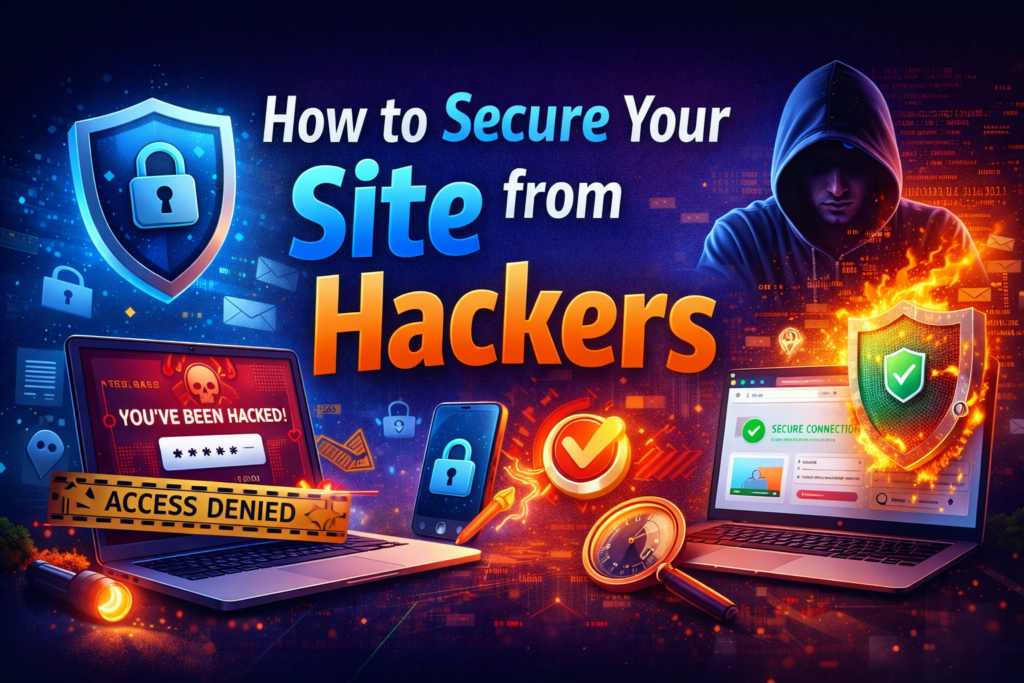
In 2026, cyberattacks are no longer rare they are common. From small startups to large enterprises, every website is a potential target. Hackers do not only attack big brands. In fact, small and medium businesses are often easier targets because their security systems are weaker.
If you own a website, security is not optional. It is a responsibility. A single breach can damage your reputation, leak customer data, and cost your business money.
Here’s how you can secure your site from hackers effectively.
1. Use HTTPS and Install an SSL Certificate
The first step in website security is installing an SSL certificate.
HTTPS:
- Encrypts data between users and your server
- Protects login credentials and payment information
- Builds trust with visitors
- Improves SEO rankings
If your website still shows “Not Secure,” that is a red flag for users and search engines.
2. Keep Your Website Updated
Outdated software is one of the biggest security risks.
Always update:
- CMS (like WordPress)
- Themes
- Plugins
- Server software
Hackers often exploit known vulnerabilities in outdated systems. Regular updates close those gaps.
3. Use Strong Passwords and Two-Factor Authentication
Weak passwords are easy entry points for hackers.
Best practices:
- Use long, complex passwords
- Avoid common words
- Enable two-factor authentication (2FA)
- Change admin URLs if possible
2FA adds an extra security layer even if your password is compromised.
4. Install a Website Firewall
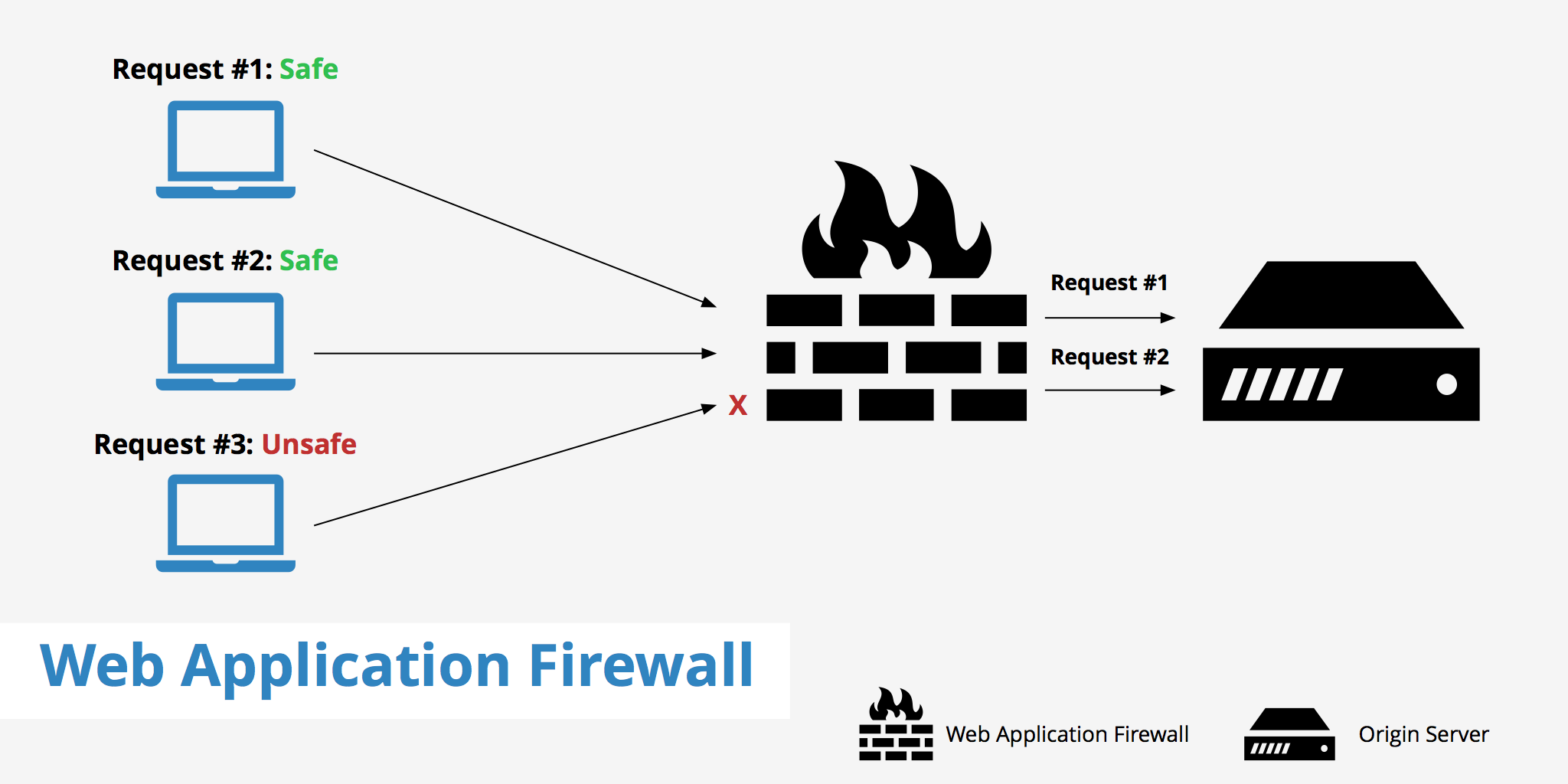
A Web Application Firewall (WAF) protects your website by filtering malicious traffic before it reaches your server.
A firewall helps:
- Block suspicious IP addresses
- Prevent brute-force attacks
- Stop malware injections
It acts like a security guard for your website.
5. Regularly Back Up Your Website
No system is 100% immune. Backups are your safety net.
Ensure:
- Automatic daily backups
- Secure storage of backup files
- Easy restore options
If your site gets hacked, you can quickly restore it without losing data.
6. Limit Admin Access
Not everyone needs full access to your website.
Follow the principle of least privilege:
- Give users only the access they need
- Remove old user accounts
- Monitor login activity
Fewer access points mean fewer risks.
7. Scan for Malware Regularly
Install security plugins or tools that:
- Scan for suspicious code
- Detect malware
- Alert you about vulnerabilities
Regular monitoring allows early detection before serious damage occurs.
8. Protect Against DDoS Attacks
Distributed Denial of Service (DDoS) attacks overload your server with traffic, crashing your website.
To prevent this:
- Use reliable hosting
- Implement DDoS protection services
- Use CDN (Content Delivery Network)
This ensures your site stays online even during attacks.
9. Secure Your Hosting Provider
Your hosting provider plays a major role in security.
Choose hosting that offers:
- Server-level firewalls
- Regular security updates
- Malware protection
- 24/7 monitoring
Cheap hosting often compromises security.
10. Monitor Your Website Activity
Keep track of:
- Failed login attempts
- File changes
- Suspicious traffic spikes
Monitoring helps you act quickly before damage spreads.
Why Website Security Matters in 2026
A hacked website can result in:
- Loss of customer trust
- Data breaches
- SEO penalties
- Revenue loss
- Legal issues
Cybersecurity is not just a technical issue it is a business survival issue.
Conclusion
Website security is not a one-time task. It requires continuous monitoring, updates, and proactive protection.
By installing SSL, using strong passwords, updating software, enabling firewalls, and maintaining backups, you significantly reduce the risk of cyberattacks.
In 2026, protecting your website means protecting your brand, your customers, and your future.